
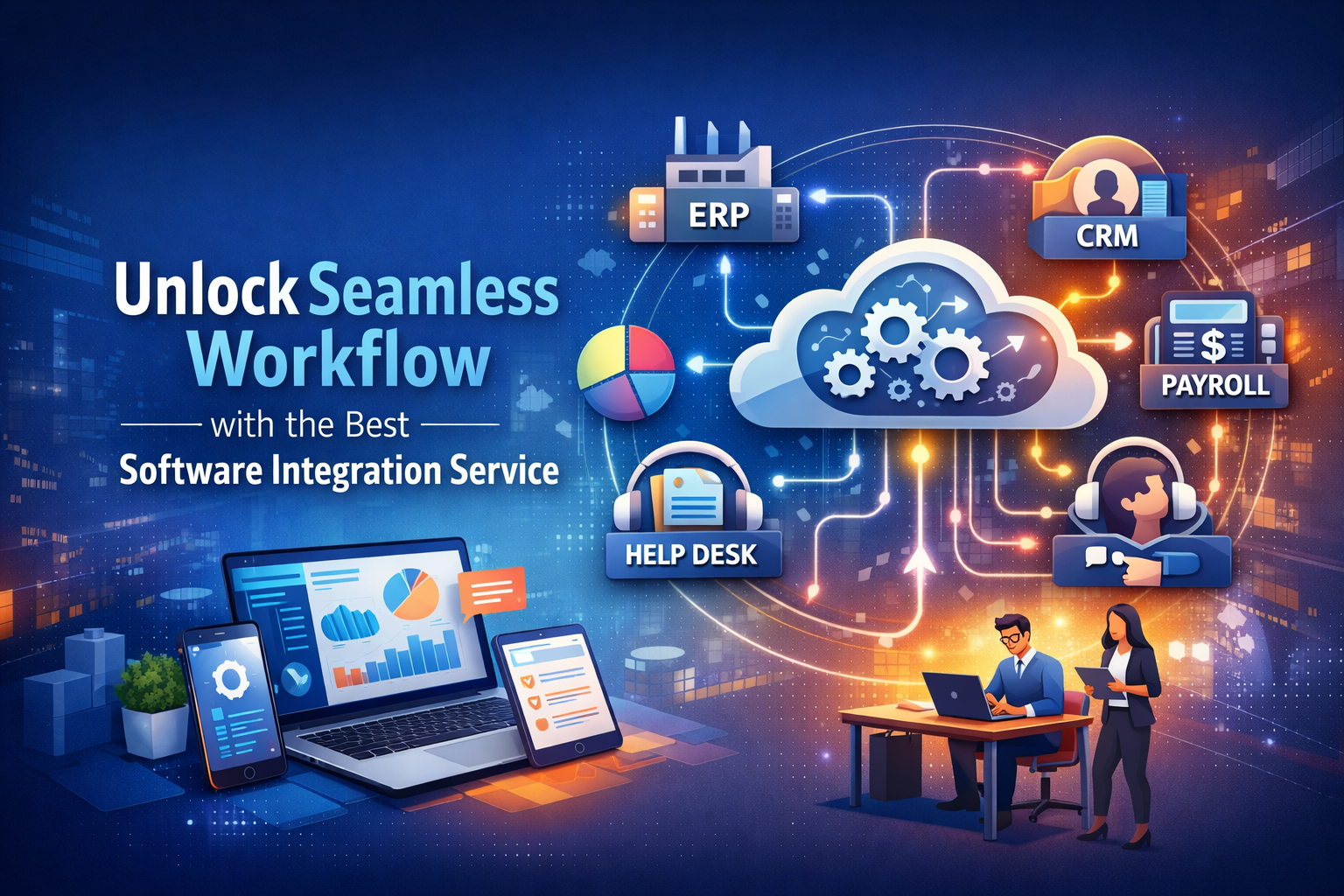
Today, companies use many different software platforms to run business operations. If these systems do not work together, data gets stuck in silos, and teams waste time doing repetitive tasks. A strong software integration service brings these tools together so that real‑time data flows between them, information stays consistent, and teams can work with fewer errors.
In this article, we explain what this service is, how it works, the value it delivers, and how organizations can choose the right solution for their business. You will learn about integration services for systems such as ERP, CRM, payroll, and help desk, and how integrating them improves productivity, removes manual work, and supports better decision-making.
What is a Software Integration Service?
A software integration service connects separate business software so they can share information and work together as a software ecosystem. It makes sure your systems have data synchronization, that workflows keep running, and that information updates everywhere at the same time. This kind of service may use middleware configuration, API development, or custom connections to join systems like ERP integration, CRM integration, and more.
In simple terms, integration services let your business systems talk to each other without humans copying and pasting data. That means your business software can automatically send and receive data between systems, like payroll software integration and customer support integration, keeping your company efficient and accurate.
Why Software Integration Matters in Modern Business
When different parts of your technology stack cannot exchange data, your business loses time and accuracy. Lack of system connectivity creates gaps that slow down teams and lead to inconsistent reporting.
For example, when your accounting system integration cannot pull information automatically from sales tools, your finance team must enter data manually. This slows workflows and increases the risk of errors. With a software integration service, you get workflow automation that handles routine tasks,s so your IT teams and business users spend time on work that matters.
Integration matters because it supports digital transformation and helps businesses adapt to change. With a strong integration strategy, you can scale your operations and bring in new software platforms without disrupting business processes. This matters for companies that want growth, agility, and operational efficiency.
Key Features of a Software Integration Service
The most powerful integration services include several important capabilities that support system interaction and business goals.
Every successful integration solution offers data flow management so that changes in one system, like CRM or ERP, appear instantly in others. This data consistency means teams see the same information everywhere.
Modern integration includes workflow automation that triggers tasks based on events. For example, when a sales order is approved, the system can automatically update the accounting module and send information to fulfillment systems.
Security management is part of the process to keep sensitive information safe while it moves between systems. A good integration platform also provides error handling and integration monitoring to find and fix problems before they affect business operations.
Another feature is a reporting dashboard that lets your team see performance and issues in one place. These features support better oversight of your IT system integration and help IT teams manage complexity.
Types of Software Integration Services
Integration services vary based on how systems connect and how data moves between them. Some common types are:
Database integration brings together data stored in different places so applications can pull the information they need. This is useful when systems share large amounts of structured data.
Cloud integration links systems hosted in the cloud with other cloud services or on‑premise applications. Many companies use hybrid environments that require hybrid cloud integration.
Real‑time data integration is used when teams need immediate access to the latest information across systems. For example, when a support agent needthe s current customer history pulled from the CRM.
Some use batch integration, where data moves at regular intervals, such as overnight, for systems that do not require instant updates.
In every case, integration planning involves choosing the right integration tools and deciding how systems will communicate with each other.
“Explore Information About Foxtpax Software to see how advanced integration tools and managed services simplify workflows and improve system performance.”
Benefits of Software Integration Services for Businesses
Companies that adopt strong integration operations see many improvements. First, improved productivity comes because teams no longer spend hours moving data manually between systems. With automated data flow, work gets done faster and with fewer mistakes. That helps your business react more quickly to opportunities or issues.
Integration also supports better planning and forecasting because business leaders get accurate and current information from all departments. This better decision-making is possible when data is synchronized across systems like ERP, CRM, and project management integration.
Another benefit is cost savings. Manual data tasks require more time and people, while automated workflows reduce labor costs. Integration also leads to faster deployment of new software without complex manual steps.
Because systems talk to each other, your company gains operational transparency that helps with performance monitoring and reporting.
Common Challenges in Software Integration
While the benefits are clear, integration is not without challenges. One common issue is system connectivity issues when older software does not support modern standards or APIs. This increases technical complexity and makes it harder to connect systems like legacy ERP or custom tools.
Security risks also arise when data moves between systems. Managing access and keeping data safe requires careful integration management.
Another challenge is ongoing maintenance. Once systems are connected, they must be monitored and updated. Without continuous support, integrations can break, causing errors or delays.
Finally, some companies face obstacles from a lack of planning. Without a clear integration roadmap, teams may deploy connectors that do not scale well or require frequent fixes.
How Software Integration Services Work
A successful integration project starts with a system audit and needs assessment. This step looks at your existing software and determines how systems must connect. The outcome guides the rest of the work.
After that, the provider defines an integration strategy and selects the right tools, whether APIs, prebuilt connectors, or custom solutions. Then developers create the connections between systems, known as integration endpoints.
Next comes testing to validate that data moves correctly without harming the underlying systems. Finally, the solution is put into production with ongoing integration support so that issues are resolved as they appear.
This process enables companies to automate tasks, reduce errors, and build a framework that supports future changes.
The Old Way vs. The New Way of Software Integration
In the past, integration was treated as a one‑time project that required custom coding for each new system. This approach often meant long timelines, high cost, and frequent breakdowns when software changed. IT teams had to spend time on integration maintenance, and business operations slowed.
The new method treats integration as part of integration operations. Instead of building point‑to‑point connections that break when one system changes, modern integration platforms handle continuous adaptation. These solutions reduce technical overhead, speed up deployment, and allow your systems to evolve with your business.
Integration Operations Partners and Platforms
Many organizations choose to work with an integration provider that offers managed integration as part of their services. These partners bring tools, experts, and support that let your internal IT team focus on strategic initiatives rather than daily troubleshooting.
Integration platforms are provided as part of managed services so that your business pays a subscription for ongoing upgrades, monitoring, and security. This approach removes technical barriers and keeps your workflows running smoothly.
Companies offering these services often provide integration consulting and integration planning tools to create a roadmap tailored to your business goals.
Best Practices for Choosing a Software Integration Partner
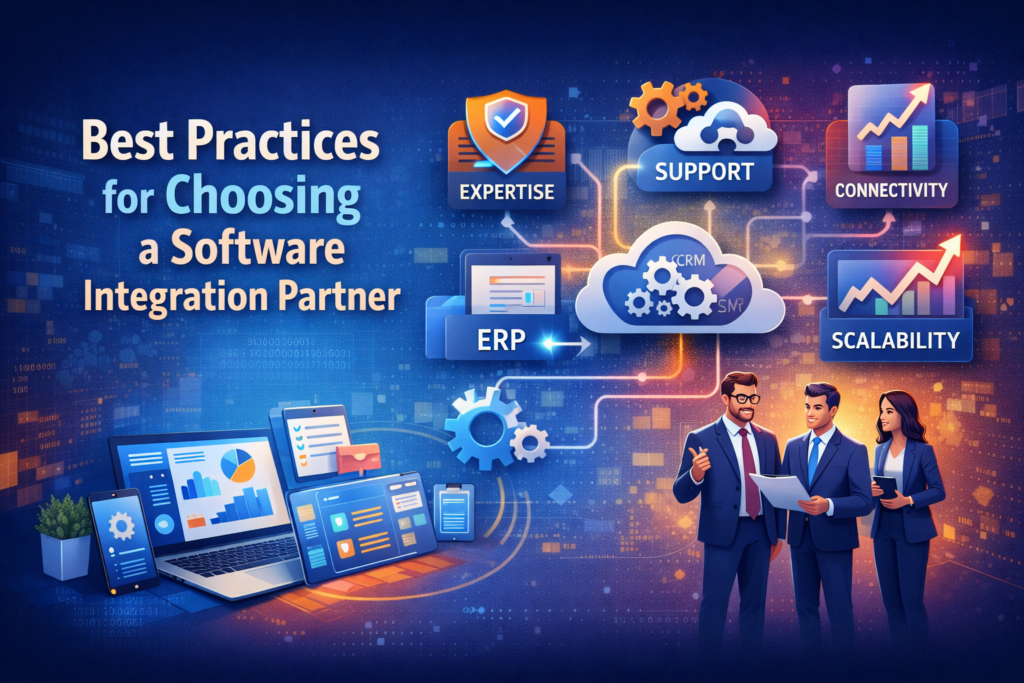
When picking who will help with your integration, look for someone with experience in IT operations, integration management, and working with systems like ERP or CRM software. A good partner will guide you through the integration strategy and help choose tools that fit your needs.
Ask about how they handle deployment support and integration monitoring. You want a team that offers continuous service, not just a one‑time setup.
Also, check if their solution supports platform connectivity for the systems you use now and those you might adopt later. Scalability matters so your investment stays useful as your business grows.
Typical Use Cases of Software Integration Services
After systems are connected, your organization will use integration in many ways. For sales teams, CRM integration with customer support and accounting speeds up service delivery. Payroll software integration with HR systems removes repetitive work and reduces errors in employee administration.
Manufacturing integration, including MES integration with supply chain and ERP systems, helps control production against business records. Project management integration with time tracking and billing systems removes manual updates,, es so teams focus on real work.
These use cases show how cross‑platform integration can make work easier for every department.
Cost Considerations and ROI of Integration Services
Investing in integration often produces a strong return. While initial costs include licensing and technical setup, the savings in time and reduced errors often pay back that investment quickly. Businesses that use integration wisely often see decreased labor costs for manual work and fewer mistakes that slow down operations.
Integration also supports long‑term digital transformation by making it easier to adopt new software, reducing the risk of wasted spending on tools that don’t connect well.
Future Trends in Software Integration
Looking ahead, businesses are using automation systems that include integration planning, machine learning, and intelligent workflow automation. As digital tools evolve, integration will extend beyond just connectivity to become part of business strategy and growth. Tools that support data exchange, real‑time insights, and automated reporting will shape how organizations operate and make decisions.
Real-Life Success Case Studies
Many companies today use well‑designed integration systems to streamline operations. For example, an organization that connected its CRM to accounting and customer support systems saw faster response times and more accurate billing. By combining data management with automated functions, leaders gained better visibility into performance.
Including real success examples helps executives understand what good integration looks like in practice and emphasizes how integration can free teams to work more effectively.
Common Mistakes to Avoid with Software Integration
Some common errors in integration projects include rushing without proper planning or skipping a detailed system audit before starting work. Others assume that once connections arebuilt,uiltt they will never need maintenance, which is rarely true. Ongoing monitoring and updates are necessary to prevent data problems.
Choosing tools without thinking about future needs can lock a company into solutions that don’t scale. A thoughtful approach to integration planning and maintenance helps avoid these issues.
Tools and Technology Stack for Software Integration
The technology that supports integration varies by vendor, but the core pieces are the same. APIs let systems exchange data, while middleware and prebuilt connectors help bridge the gaps between apps. Some integration platforms include dashboards for performance and error monitoring so IT teams can see how data flows between systems.
Selecting the right stack depends on your business requirements, size, and existing IT infrastructure, but the goal is always to make systems work together without manual effort.
Step-by-Step Integration Process
A typical integration project follows several stages. First is the audit of your systems and a discussion of needs. Next comes youintegration strategyygy, where tools and methods are chosen. After development and testing, the solution is deployed, and your team continues to monitor performance to fix issues quickly.
This structured process supports better results and ensures that integration grows with business needs.
The Bottom Line: Maximizing Efficiency with Software Integration
Strong software integration service models help companies improve performance, reduce manual tasks, and make decisions faster by keeping data flowing between systems. When systems like ERP, CRM, project management, and accounting software are connected, your business gains smoother processes and more reliable information. Investing in integration helps your teams spend less time on repetitive work and more time on meaningful outcomes that support growth.
“Check Best MAP Compliance Software in 2026 to discover top tools that help businesses maintain pricing rules while improving integration and efficiency.”
Frequently Asked Questions (FAQs)
What is a software integration service?
A software integration service helps businesses connect different software systems so they work together seamlessly. It allows data to flow automatically between applications like ERP, CRM, and payroll software, reducing manual work and errors while improving overall operational efficiency.
Why do businesses need software integration services?
Businesses need integration to eliminate data silos and ensure real-time data is available across departments. It improves decision-making, increases productivity, and supports workflow automation that keeps tasks moving smoothly without delays.
How does workflow automation work with integration services?
Workflow automation uses software to trigger actions automatically across connected platforms. For example, a new customer added to a CRM can automatically be updated in accounting and project management systems, reducing repetitive tasks and increasing accuracy.
What are the main types of software integration services?
Common types include database integration, which syncs data between systems; cloud integration, which connects cloud and on-premise applications; real-time data integration, which updates instantly; and batch integration, which transfers data at scheduled intervals.
How can integration services improve data accuracy?
By using custom APIs, middleware configuration, and data synchronization, integration ensures that all systems have the same information. This reduces manual errors and guarantees that teams work with consistent data across the business.
What are typical challenges in software integration?
Challenges include system connectivity issues, technical complexity, security risks, ongoing maintenance needs, and difficulty scaling as your business grows. Choosing the right integration platform and planning for integration maintenance can prevent these problems.
How does a company choose the right integration platform?
Look for a platform that supports cross-platform integration, prebuilt connectors, and compatibility tools. It should handle ERP integration, CRM integration, and other systems your business uses while offering integration monitoring, integration support, and scalability.
What is the difference between old and new software integration methods?
The old method relied on one-time custom connections, which were expensive and hard to maintain. The new method, known as integration ops, offers continuous integration support, automatic updates, and managed integration to keep systems connected without constant manual effort.
How long does it take to deploy software integration services?
Deployment time varies based on system complexity. Small projects may take days, while large enterprise integration projects may take weeks. Using integration planning tools, prebuilt connectors, and expert support helps speed up deployment while maintaining data consistency.
Can software integration help with regulatory compliance?
Yes. Services like MES integration and ERP integration help companies follow compliance standards by ensuring accurate data flow management, automated reporting, and secure IT system integration that meets industry regulations.
How do integration services support business growth?
By providing scalability architecture and continuous adaptation, integration services allow you to add new software or users without disrupting existing workflows. This improves business agility and helps companies scale efficiently.
What role does IT service management play in software integration?
IT service management ensures that your IT systems and integration processes are monitored and supported. It helps with technical oversight, integration support, and solving integration challenges, so your business can rely on consistent, high-performing systems.
How can companies measure ROI from software integration services?
ROI can be measured by tracking cost savings, reduced manual work, fewer errors, faster reporting, and integration efficiency. Businesses also see benefits in better decision-making, improved productivity, and smoother business operations.
Are custom integrations better than prebuilt connectors?
Custom integrations provide flexibility to match unique business needs, while prebuilt connectors speed up deployment for standard systems. Often, a mix of both offers the best solution for platform connectivity and long-term maintenance.
How can integration services improve customer support?
By connecting CRM integration with customer service systems, teams gain full visibility of customer interactions. This enables faster responses, better tracking of support tickets, and automated workflows that improve the overall customer experience.
Conclusion
A software integration service connects your various software systems, including ERP, CRM, payroll, and project management tools, into a unified ecosystem. This enables real-time data sharing, automated workflows, and improved operational efficiency. By using a structured integration strategy, businesses can reduce manual errors, enhance data accuracy, and gain better decision-making capabilities. Managed integration services and continuous support help your software platforms scale seamlessly, maintain integration flows, and ensure smooth IT system integration. Adopting these services supports business agility, cost savings, and sustainable growth while keeping teams focused on core operations instead of repetitive tasks.
Disclaimer:
“The content in this article is for educational purposes only. It provides general information about software integration services and does not constitute professional or legal advice. Readers should assess their own business needs and consult qualified experts before making decisions.”
